Solution
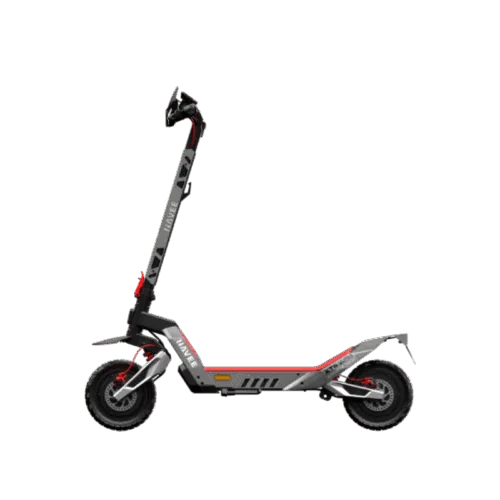
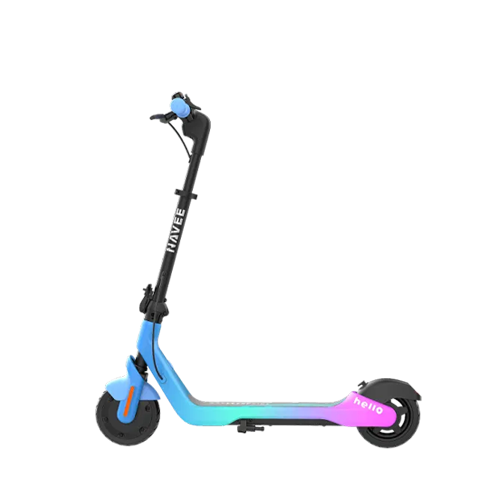
- If the ambient light is dimming or changing colors abnormally, replace the ambient light module.
- If the ambient light does not turn on, connect the scooter via the app and check in the lighting settings whether the ambient light function is enabled.
- If only one side is not working, replace the corresponding ambient light. If both sides are not working, it may be a controller malfunction.
Need More Support?
If none of the above solutions work, please refer to our
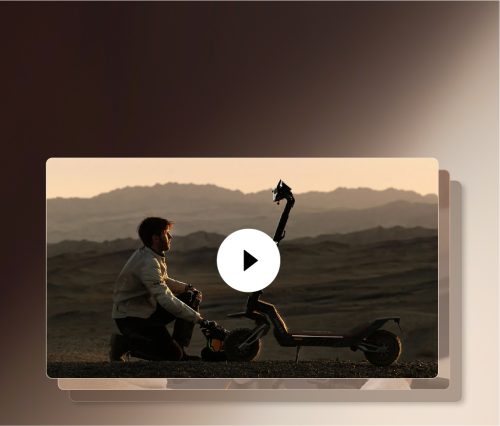
self-repair video guides for step-by-step instructions.
If the issue persists, contact our official after-sales service center or an authorized repair center for further assistance: service@navee.tech.If none of the above solutions work, please contact our official after-sales service center or authorized repair center for further assistance:
service@navee.tech