Frequently Asked Questions
K100 Pro Change Model

Kids Scooters

K100 Pro
Unable to charge
Change
Unable to charge

Solution

  1. With the scooter powered on, connect the charger and check the display for a charging indicator. If no indicator appears, the scooter is not charging.
  2. Inspect the charging port for any issues. Ensure the charger plug is properly and fully inserted. You can also try a different charger to confirm. If the problem persists or the battery is faulty, send the scooter for repair.
  3. Verify the charging environment. If the temperature is below 0°C or above 40°C, the battery’s built-in temperature protection will prevent charging to extend battery life. Charging will resume automatically once the temperature rises above 5°C or falls below 35°C.
Need More Support? If none of the above solutions work, please refer to our self-repair video guides for step-by-step instructions. If the issue persists, contact our official after-sales service center or an authorized repair center for further assistance: service@navee.tech.If none of the above solutions work, please contact our official after-sales service center or authorized repair center for further assistance: service@navee.tech
Unable to get fully charge
Change
Unable to get fully charge

Solution

  1. Check whether there is any contact issue with the charging port.
  2. Check whether the charging temperature exceeds the allowed charging range during charging.
  3. Check whether there is any available firmware update and update the firmware in time.
  4. Check the battery information in the App and confirm whether the battery voltage is close to or equal to the charger’s maximum output voltage. If so, it indicates that the battery level display is inaccurate; please report it to NAVEE for a firmware upgrade.
Need More Support? If none of the above solutions work, please refer to our self-repair video guides for step-by-step instructions. If the issue persists, contact our official after-sales service center or an authorized repair center for further assistance: service@navee.tech.If none of the above solutions work, please contact our official after-sales service center or authorized repair center for further assistance: service@navee.tech
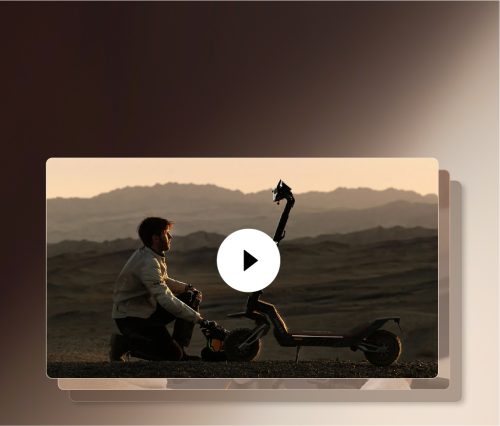
Official Repair Videos: The Complete Guide

Explore More
Online Chat