Frequently Asked Questions
K100 Pro Change Model

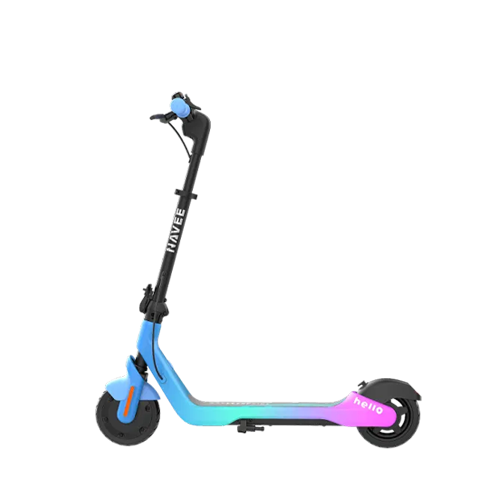
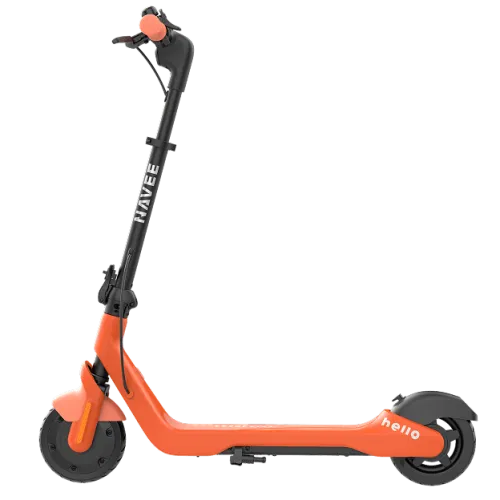
Kids Scooters

K100 Pro
Unable to power on
Change
Unable to power on

Solution

  1. Check whether the power button below the display screen can rebound normally.
  2. Connect the charger to the scooter. The screen should automatically turn on and display the charging status. If it does not, inspect the connection between the display and the main controller for any damage. Replace any damaged components as necessary.
Need More Support? If none of the above solutions work, please refer to our self-repair video guides for step-by-step instructions. If the issue persists, contact our official after-sales service center or an authorized repair center for further assistance: service@navee.tech.If none of the above solutions work, please contact our official after-sales service center or authorized repair center for further assistance: service@navee.tech
Unable to power off
Change
Unable to power off

Solution

  1. Try turning off the scooter via the app. If it powers off normally, the power button is faulty and the display screen should be replaced.
Need More Support? If none of the above solutions work, please refer to our self-repair video guides for step-by-step instructions. If the issue persists, contact our official after-sales service center or an authorized repair center for further assistance: service@navee.tech.If none of the above solutions work, please contact our official after-sales service center or authorized repair center for further assistance: service@navee.tech
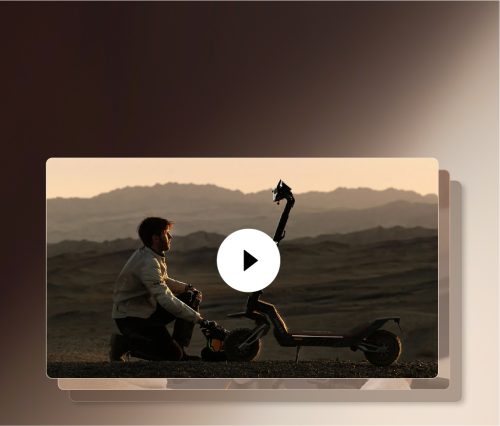
Official Repair Videos: The Complete Guide

Explore More
Online Chat