Frequently Asked Questions
XT5 Ultra Change Model

Off Road Scooters

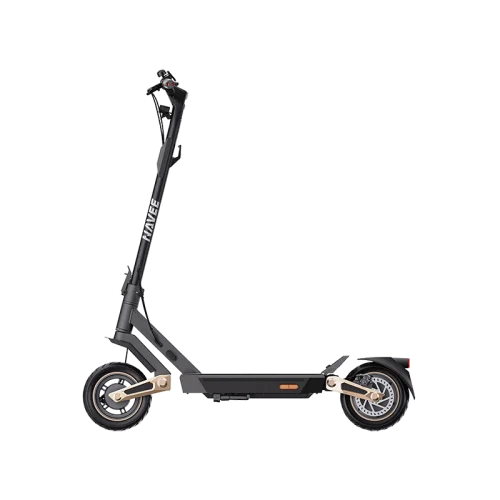
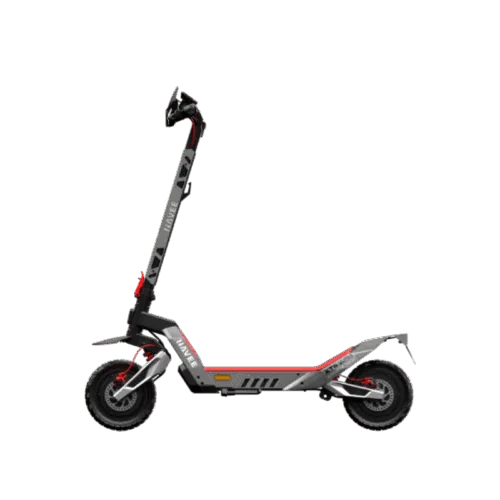
XT5 Ultra
How to use cruise control
Change
How to use cruise control

Solution

  1. First, enable the cruise control feature in the app.
  2. Once cruise control is activated, while riding the scooter steadily, hold the throttle in position for 5 seconds. When the scooter emits a long “beep,” it has entered cruise control mode. You can then release the throttle and the scooter will maintain a constant speed. Squeezing the brake or pressing the throttle again will exit cruise control.
Need More Support? If none of the above solutions work, please refer to our self-repair video guides for step-by-step instructions. If the issue persists, contact our official after-sales service center or an authorized repair center for further assistance: service@navee.tech.If none of the above solutions work, please contact our official after-sales service center or authorized repair center for further assistance: service@navee.tech
How to prevent skidding
Change
How to prevent skidding

Solution

  1. Note: Low tire pressure (soft tires) increases the risk of skidding, while high tire pressure (hard tires) reduces traction.
  2. Check tire pressure monthly and inflate to the recommended value; when pressing the tires with both hands, there should be no noticeable deformation.
  3. Inspect tires regularly. Replace original tires immediately if tread depth is <1 mm or if there are visible cracks on the surface.
  4. After riding, if tires are wet, muddy, or oily, wipe the tire surface with a damp cloth to remove debris that could reduce traction.
  5. Riding technique: Avoid sudden acceleration or hard braking. Lean forward when climbing, shift weight backward when descending, slow down before turns, and keep your body upright—avoid excessive tilting.
  6. Enable the TCS (Traction Control System) in the app.
  7. On slippery or loose surfaces (wet roads, gravel, or mud), switch to a lower power mode, maintain a steady straight-line speed, reduce speed to ≤10 km/h, minimize wheel spin, and avoid sudden braking.
  8. If skidding occurs, release the throttle and keep the scooter upright; gently squeeze the brakes to gradually slow down to a stop, then check tires for punctures or abnormal pressure.
Need More Support? If none of the above solutions work, please refer to our self-repair video guides for step-by-step instructions. If the issue persists, contact our official after-sales service center or an authorized repair center for further assistance: service@navee.tech.If none of the above solutions work, please contact our official after-sales service center or authorized repair center for further assistance: service@navee.tech
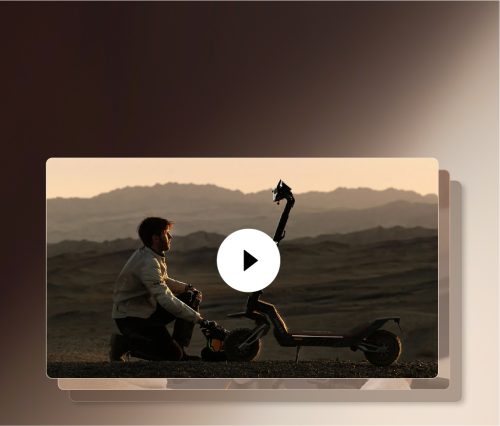
Can the scooter operate before activation?
Change
Can the scooter operate before activation?
  1. An unactivated scooter cannot access all features. You can ride it at a maximum speed of 10 km/h, but activating it promptly is recommended for a better riding experience.
Need More Support? If none of the above solutions work, please refer to our self-repair video guides for step-by-step instructions. If the issue persists, contact our official after-sales service center or an authorized repair center for further assistance: service@navee.tech.If none of the above solutions work, please contact our official after-sales service center or authorized repair center for further assistance: service@navee.tech
Unable to tighten the handlebar screws
Change
Unable to tighten the handlebar screws

Solution

  1. First, screw the bolt into the handlebar by itself to check if it can be tightened properly. Make sure to screw the bolt in vertically. If it was misaligned on the first attempt, do not follow the crooked thread—always screw it in vertically.
  2. If it cannot be tightened, try replacing it with another bolt. If the new bolt can be tightened properly, use it as a replacement. If it still cannot be tightened, the threaded hole is damaged and you will need to contact after-sales service for repair.
  3. Insert the handlebar into the stem, adjust the angle so the holes align, pre-tighten the bolts in sequence, then cross-tighten them.
Need More Support? If none of the above solutions work, please refer to our self-repair video guides for step-by-step instructions. If the issue persists, contact our official after-sales service center or an authorized repair center for further assistance: service@navee.tech.If none of the above solutions work, please contact our official after-sales service center or authorized repair center for further assistance: service@navee.tech
The handlebar cannot lock into place after folding.
Change
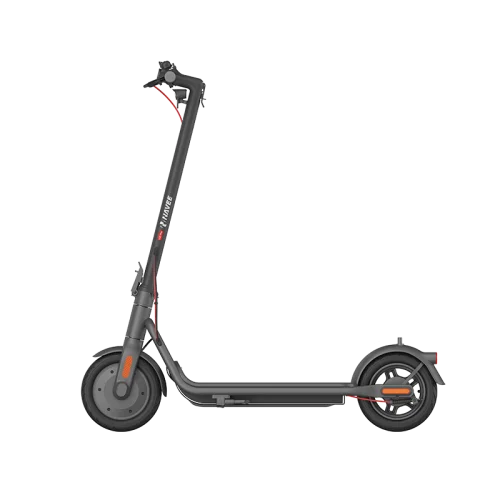
The handlebar cannot lock into place after folding.

Solution

  1. The brake lever angle may be incorrect, preventing the handlebar from hooking properly after folding, or making it impossible to release once hooked. Loosen the screws on the brake lever and adjust its angle.
  2. Check the hook angle and adjust the fender or the hook as needed.
Need More Support? If none of the above solutions work, please refer to our self-repair video guides for step-by-step instructions. If the issue persists, contact our official after-sales service center or an authorized repair center for further assistance: service@navee.tech.If none of the above solutions work, please contact our official after-sales service center or authorized repair center for further assistance: service@navee.tech
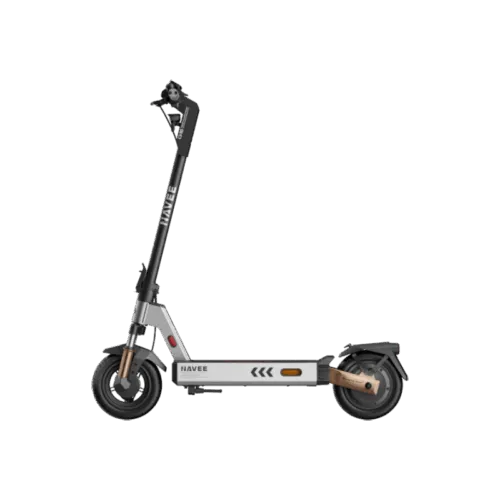
Tire Pressure Alert on the Scooter
Change
Tire Pressure Alert on the Scooter

Solution

  1. Squeeze the brake lever and press the power button simultaneously to dismiss the alert.
  2. In the app, you can adjust the reminder interval or turn off this alert entirely.
  3. This indicator is only a periodic reminder and does not function as a tire pressure monitoring system.
Need More Support? If none of the above solutions work, please refer to our self-repair video guides for step-by-step instructions. If the issue persists, contact our official after-sales service center or an authorized repair center for further assistance: service@navee.tech.If none of the above solutions work, please contact our official after-sales service center or authorized repair center for further assistance: service@navee.tech
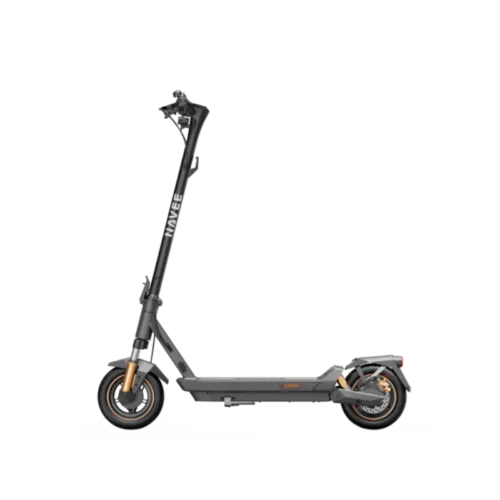
Official Repair Videos: The Complete Guide

Explore More
Online Chat